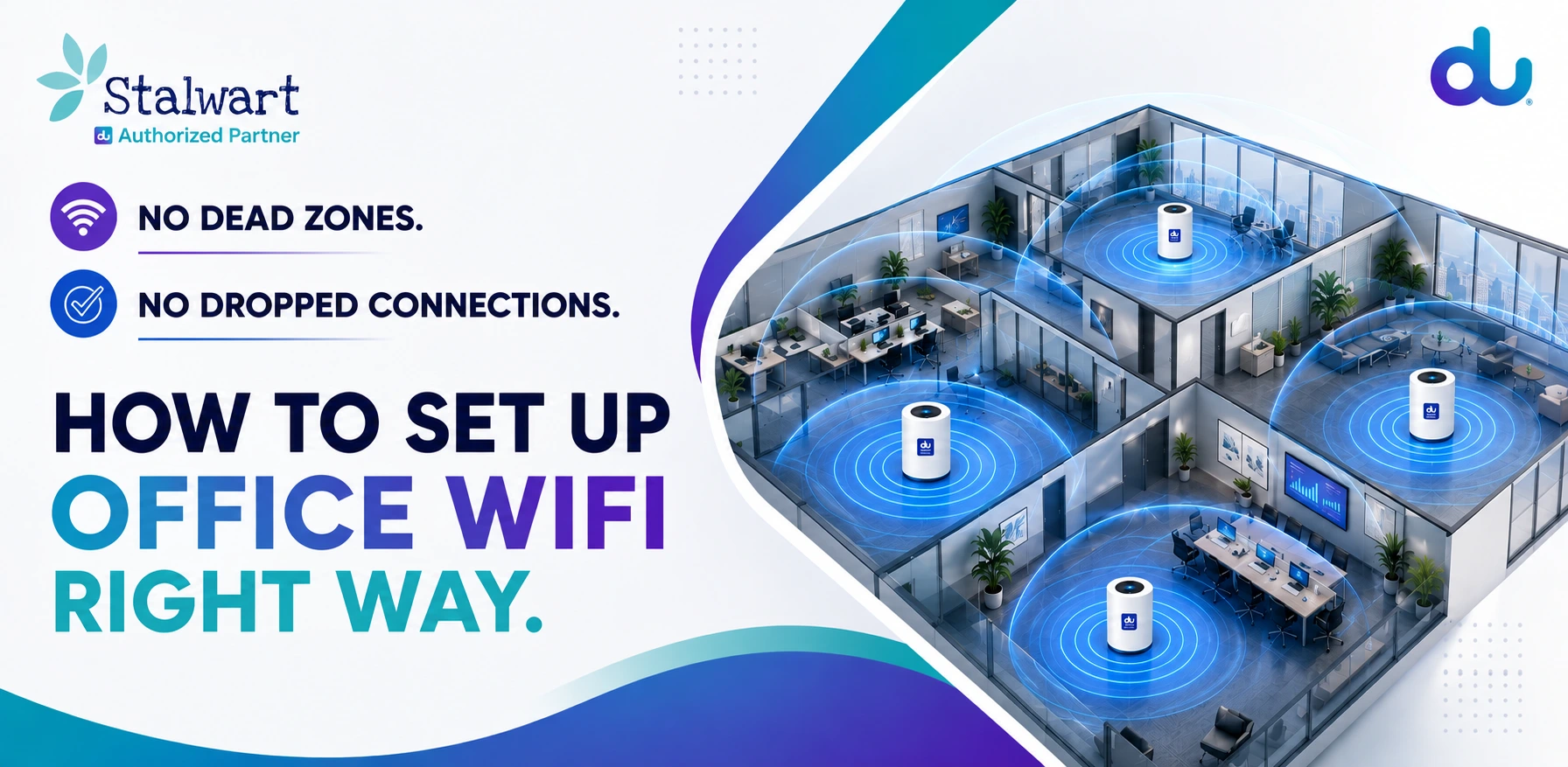
Bad office WiFi in Dubai is rarely about a slow internet plan — it's almost always about how the WiFi is set up. Dead zones in the corner desk, drop-offs in the meeting room, guests clogging the network: these come down to sizing, access-point placement and a few settings, not the package you bought.
This is a simple, step-by-step guide to office WiFi setup in Dubai — how to size it, where to put access points, how to keep it secure, and the fastest way to get a new office online. As an authorized du business partner, this is how we set up office WiFi in Dubai for companies every week — no jargon, no dead zones.
In This Guide
- What Good Office WiFi Actually Needs
- Step 1: Size It to How Many Connect at Once
- Step 2: Place Access Points Where People Sit
- Step 3: Split Guest WiFi From Staff
- Step 4: Secure It Properly
- Step 5: Test Before You Sign Off
- The Fastest Way to Get Office WiFi Live
- Simple Office WiFi Plans & Pricing
- Frequently Asked Questions
- Conclusion
What Good Office WiFi Actually Needs
Whether it's a home office in Business Bay or a full floor in a tower, reliable office WiFi comes down to four things: enough capacity for everyone online at once, access points in the right places, a separate network for guests, and basic security. Get those right and even a modest plan feels fast. Get them wrong and the biggest plan still drops in the meeting room. That's really all good office WiFi setup Dubai businesses need to get right.
Step 1: Size It to How Many Connect at Once
Don't size WiFi by headcount — size it by how many devices are online at the same time (laptops, phones, tablets, a POS, smart TVs). A team of eight can easily run twenty devices. Here's a simple starting point:
| Office Size | People Online | What You Need |
|---|---|---|
| Home office / 1–2 desks | Up to 5 | 5G router only |
| Small office (50–120 sqm) | 4–8 | Router + 1 access point |
| Medium office (120–250 sqm) | 8–15 | Router + 2–3 access points |
| Full floor + guests | 15+ | 3+ access points + guest network |
Step 2: Place Access Points Where People Sit
The most common cause of dead zones is putting the router by the front door and hoping it reaches the back. Access points should sit near clusters of desks and meeting rooms — the places people actually use WiFi. Mount them high (ceiling or high on a wall), keep them away from thick concrete walls and metal, and space them evenly so coverage overlaps instead of leaving gaps.
Step 3: Split Guest WiFi From Staff
Always run a separate guest network. It keeps visitors' devices off your business network, protects your files and payment systems, and stops a guest streaming video from slowing your team. It takes minutes to switch on and is one of the biggest wins for both speed and security.
Step 4: Secure It Properly
Security doesn't have to be complicated. Use WPA2 or WPA3 encryption, change the router's default admin password, keep the guest and staff networks separated, and update the router firmware when prompted. For offices handling client or payment data, add endpoint security licences so every device is covered.
Step 5: Test Before You Sign Off
Before you call it done, walk the whole office and run a quick speed test in every room — corners, meeting rooms, the kitchen, the reception. If a spot is weak, that's where an extra access point goes. Testing at a busy time of day (not 8am on a quiet morning) gives you the real picture.
The Fastest Way to Get Office WiFi Live
If you need office WiFi quickly — a new office, a home office, or a fit-out that's still finishing — a 5G business WiFi plan is the fastest route. It uses a premium plug-in 5G router with a Gigabit Ethernet port and unlimited full-speed data, so you can be online in days instead of waiting weeks for a cable pull. It's a popular choice for home office WiFi and smaller teams across Dubai and the wider UAE.
Simple Office WiFi Plans & Pricing
Keeping it simple — here's the shortlist of du 5G office WiFi plans and who each suits. Every plan includes a premium 5G router with a Gigabit Ethernet port and unlimited, full-speed data.
| Plan | Good For | From /month |
|---|---|---|
| Starter | Home offices & small teams | AED 249 |
| Starter Pro | Growing offices (adds a landline, Microsoft 365 & .ae domain) | AED 399 |
| Starter Ultra | Larger offices (2 landlines, extra M365 & security licences) | AED 499 |
A few simple notes on office WiFi UAE price: there's a one-time activation fee of AED 200, intro offers can bring the first months lower (Starter from around AED 199/mo), and prices depend on the contract term you pick. If you're weighing office internet plans across providers, these keep it simple. See the full details on our business starter plans page, or just message us for the current offer.
⚡ Get Your Office WiFi Sorted
Frequently Asked Questions
Get Office Wifi Today
Great office WiFi in Dubai isn't about buying the biggest plan — it's about sizing it to your real usage, placing access points where people sit, separating guests, and testing every room. Do that and your team simply stops thinking about the WiFi, which is the whole point.
If you'd like it done for you — the plan, the router, the layout and the setup — Stalwart, an authorized du business partner, can get your office WiFi live in days. Send us your office size and location and we'll handle the rest.