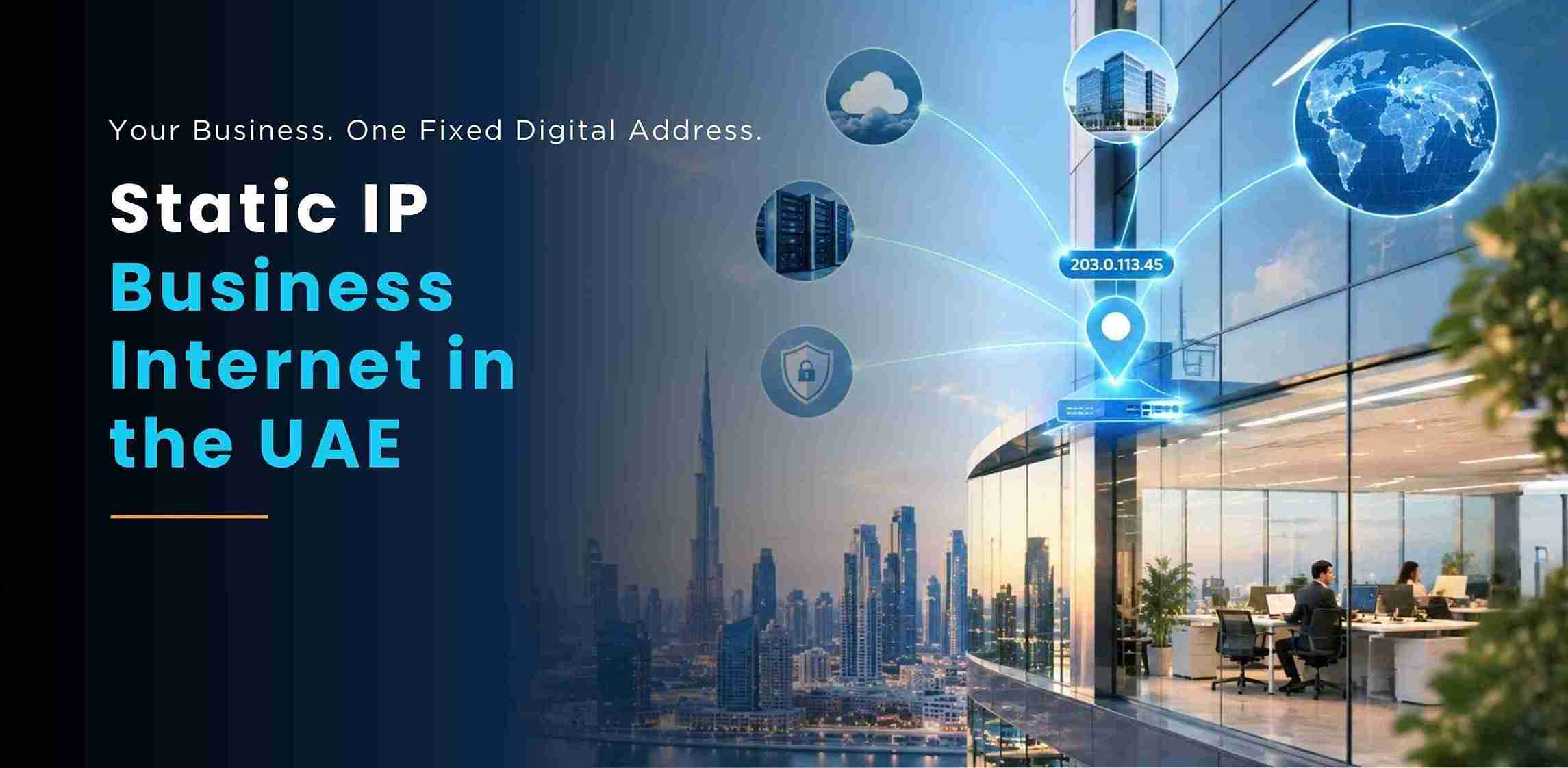
Static IP business internet in the UAE is one of those things nobody asks about until something breaks. The VPN to head office keeps dropping. The bank blocks a payment portal because your address changed overnight. The security company can't reach the cameras. In every case the cause is the same — your office IP address moved, and something that was counting on it staying put gave up.
This guide explains what a fixed public IP actually does, which enterprise workloads genuinely need one, whether you need a single address or a block, and what it costs on a UAE business line. Stalwart has been an authorized du business partner since 2014 and provisions these connections across Dubai's commercial districts every week, so this is written from what large offices actually ask for — not from a spec sheet.
In This Guide
- The Short Answer
- Static vs Dynamic IP, in Plain English
- 8 Business Cases That Need a Static IP
- One Address or a /29 Block?
- du Plans That Carry a Static IP
- Coverage Across Dubai's Commercial Hubs
- How to Get a Static IP: Steps & Timeline
- Security: Doing It Properly
- 5 Mistakes Enterprises Make
- Frequently Asked Questions
- Conclusion
The Short Answer
A static IP is a public internet address that belongs to your office and never changes. A standard business line hands you a dynamic address that your provider can swap at any time — fine for browsing and email, a problem the moment something outside needs to find you reliably. In the UAE you get a static IP as an add-on to a du business fibre line, or built into du Business Managed Broadband alongside an enterprise SLA. Most offices need exactly one address; you only need a block when you're publishing several separate public services.
In one line: If anything outside your office needs to reliably reach into it — a site-to-site VPN, remote CCTV, a hosted server, an IP whitelist at a bank or client — you need a static IP. If your staff only browse out to the internet, you don't.
Static vs Dynamic IP, in Plain English
Think of your public IP as your office's street address on the internet. A dynamic IP is like living in serviced accommodation where the building management can move you to a different unit whenever they like. Post still reaches you when you go out and collect it yourself, but anyone trying to deliver something to you has no idea which door to knock on today.
A static IP address for business use is the opposite: the same door, permanently. Your firewall sits behind it, your VPN tunnel terminates on it, and your partners can write it into their approved-sender lists knowing it won't change next month.
Two technical points worth knowing, because they come up in every enterprise conversation. First, a static IP is a public IPv4 address — it's different from the private 192.168.x.x addresses your laptops use inside the office, which are handed out by your own router and mean nothing to the outside world. Second, on ordinary connections many customers share one public address through carrier-grade NAT, which is precisely why inbound connections fail; a static IP takes you out of that shared pool and gives you an address of your own.
8 Business Cases That Need a Static IP
Here's where a fixed address stops being a nice-to-have. If your business does any of the following, a business internet with static IP setup isn't optional — it's the thing that makes the workload possible.
- 1. Site-to-site VPN to head office. The classic MNC requirement. A permanent encrypted tunnel between your Dubai office and a parent company in London, Mumbai or Singapore needs a fixed endpoint on both ends. A changing IP breaks the tunnel every time it moves.
- 2. Remote CCTV and building access. Security teams and facilities managers viewing cameras or door controllers from outside the building need a stable address to connect to. This is one of the most common reasons a Dubai office calls us.
- 3. Hosting a server on-site. An on-premise ERP, file server, application server or test environment that staff or clients reach from outside needs a permanent public address to point a DNS record at.
- 4. IP whitelisting by banks, clients and platforms. Financial portals, government systems, client procurement platforms and cloud admin consoles increasingly restrict access to approved addresses. You cannot be whitelisted if your address keeps changing.
- 5. VoIP and SIP trunks. Business phone systems and SIP trunk providers frequently authenticate by IP address. A static IP keeps registration stable and call quality predictable.
- 6. Remote desktop and secure staff access. Finance, design and engineering teams connecting back to powerful office workstations need a consistent target — and a fixed address lets you lock access down tightly.
- 7. Business email sent from your own server. If you run your own mail gateway, a static IP with correct reverse DNS is what stops your mail landing in spam folders. Shared, changing addresses inherit other people's bad reputation.
- 8. Compliance and audit requirements. Regulated businesses in DIFC and ADGM are often required to demonstrate controlled, traceable network access — much easier to evidence from a known fixed address.
If none of those describe you, save your money: a standard fibre line without a fixed address is perfectly good, and you can always add one later.
One Address or a /29 Block?
This is the question that wastes the most money in enterprise procurement. Companies order a block of addresses because it sounds more serious, then use one. Here's the honest guidance.
A single static IP covers the large majority of offices — including big ones. Your firewall holds that one public address and translates it for every device inside, so one address can happily serve a 200-person floor running a VPN, remote CCTV and remote desktop all at once. You only need more when you need to publish separate services on separate public addresses.
| What You're Running | Typical Requirement | Why |
|---|---|---|
| Office internet + site-to-site VPN | 1 static IP | One firewall endpoint serves the whole office |
| Remote CCTV / access control | 1 static IP | Port-forwarded through the single firewall |
| VoIP / SIP trunk authentication | 1 static IP | Provider authenticates the one address |
| One on-premise server published externally | 1 static IP | DNS points at the firewall, which forwards in |
| Mail gateway + web server + VPN concentrator | /29 block (5 usable) | Each service needs its own public address |
| Multi-tenant or hosted services for clients | /29 or larger | Separation per tenant or per service |
A /29 block gives you eight addresses of which five are usable — the rest are consumed by network, gateway and broadcast. If someone has quoted you a large block and you can't name a distinct service for each address, ask why.
du Plans That Carry a Static IP
UAE business connectivity is served by both du and Etisalat (e&). Stalwart is an authorized du business partner, so here are the current du options and honest starting prices.
- du Business Fibre — from AED 810/month. 200 Mbps to 1 Gbps with a business voice line included, and a static IP available as an add-on. This is the right product for the majority of offices that need a fixed address. Full details on the du business fibre internet page.
- du Business Managed Broadband — custom pricing. The enterprise tier: an SLA with committed response times plus static addressing built in, designed for organisations where downtime has a cost attached. See business managed broadband.
- Ultimate Fibre Plan. Fibre plus a landline plus Microsoft 365, useful when a new enterprise site needs productivity licensing alongside connectivity — see the Ultimate Fibre plan.
- du 5G Business WiFi — from AED 249/month. Not a static IP product, but enterprises use it two ways: as a fast temporary link while fibre is installed, and as a backup path. See 5G Business WiFi.
- du Business Infinite SIM — from AED 125/line. Unlimited data for travelling executives and field engineers; Business Infinite pairs naturally with an enterprise fibre account.
For a like-for-like view of where a dedicated line sits against shared fibre, our guide to dedicated internet and leased lines in the UAE covers committed bandwidth and SLA tiers in detail.
Coverage Across Dubai's Commercial Hubs
Fibre availability is building-by-building, not area-by-area — but Dubai's main commercial districts are heavily built out, and most towers in them are already fibre-ready. Enterprises we connect with static IP business internet are concentrated in a familiar set of locations.
- Business Bay. Dense mid-to-large office towers, heavy on consultancies, contracting firms and regional headquarters — our highest volume of static IP requests in Dubai.
- Sheikh Zayed Road. The corridor from Trade Centre through Emirates Towers, with long-established MNC offices that almost always need a VPN back to a parent company.
- DIFC. Financial and legal firms where IP whitelisting and auditable access are compliance requirements rather than preferences.
- JLT and DMCC. A very large free zone population, mixing SMEs with substantial trading and commodities operations.
- Dubai Internet City and Media City. Technology and media companies with on-premise servers, large file transfers and remote production workflows.
- Downtown Dubai and Dubai Marina. Corporate offices alongside client-facing operations.
- Jebel Ali and JAFZA. Logistics, industrial and warehousing operations running site-to-site links between offices and depots.
- Dubai Silicon Oasis, Al Quoz and Deira. Manufacturing, workshops and long-standing trading houses, often connecting several locations together.
Beyond Dubai, the same products are available nationally — if your business also has an Abu Dhabi presence, our guide to business internet in Abu Dhabi covers coverage and plans there, including Al Maryah Island and ADGM.
How to Get a Static IP: Steps & Timeline
The process is genuinely straightforward when the paperwork is right. Here's how to get a static IP in the UAE, start to finish.
- Step 1 — Confirm what you need. Number of addresses, bandwidth, and whether you need an SLA. A short conversation prevents an expensive over-order.
- Step 2 — Gather documents. Trade licence, establishment card, authorised signatory's passport and Emirates ID, and tenancy contract or Ejari. Our documents required for business internet guide has the full checklist and the four things that cause delays.
- Step 3 — Building check. We confirm fibre readiness at your exact tower and floor. Most Business Bay and Sheikh Zayed Road buildings are already served.
- Step 4 — Order and provision. The line and the static address are provisioned together. You receive the address details for your IT team or firewall vendor.
- Step 5 — Install and configure. Typically 2–5 working days in a fibre-ready building. Where new cabling or a site survey is needed, allow longer.
- Step 6 — Firewall handover. Your IT team or integrator applies the address to the firewall, VPN and any port forwarding. We coordinate directly with them.
If you need connectivity before fibre completes, 5G Business WiFi can bridge the gap within about 48 hours so the office isn't sitting idle.
⚡ Get a Static IP Quote for Your Building
Security: Doing It Properly
A question worth answering directly, because it's asked in nearly every enterprise meeting: is a static IP more secure? By itself, no. What it does is make good security achievable.
On the positive side, a fixed address is what allows partners, banks and cloud platforms to whitelist you, and it lets you write precise, restrictive firewall rules instead of broad ones. Audit trails become meaningful because traffic is attributable to a known address.
The honest counterpoint is that a permanent, predictable address can be probed patiently by automated scanners. That is manageable, and the mitigations are standard: keep the static IP behind a properly configured business firewall rather than exposing devices directly; never port-forward straight to a CCTV recorder or server without access controls; require VPN authentication for remote access rather than opening remote desktop to the internet; and keep firmware patched. Done that way — which is how any competent integrator will set it up — a static IP strengthens your posture rather than weakening it.
5 Mistakes Enterprises Make
- 1. Ordering a block when one address will do. Pay for what you'll actually publish. One firewall address serves a whole floor.
- 2. Forgetting the upload speed. Static IP workloads are inbound-heavy — remote CCTV viewing and staff connecting into servers both consume upload. A plan chosen purely on download figures will disappoint.
- 3. No backup path. If a VPN to head office is business-critical, a single line is a single point of failure. A 5G backup link is inexpensive insurance.
- 4. Exposing devices directly. Port-forwarding straight to a camera recorder is the most common serious misconfiguration we see. Put a firewall in front.
- 5. Leaving IT out of the order. Your firewall vendor should confirm the requirement before the line is ordered, not after. It takes one email and avoids a re-provision.
"Our tunnel to the group network in Germany dropped every time the IP rotated. Stalwart moved us onto a static address on du fibre, coordinated with our firewall vendor, and it has been stable since. One point of contact for three Dubai sites made the difference." — IT Manager, European manufacturing group, Business Bay
Frequently Asked Questions
Conclusion
Static IP business internet in the UAE comes down to a simple test: does anything outside your office need to reliably reach inside it? If you're running a site-to-site VPN to head office, remote CCTV, an on-premise server, VoIP authentication or you're being asked for IP whitelisting by a bank or client, the answer is yes — and a fixed address is what makes all of it work. If not, a standard fibre line is the sensible choice and you can add an address later.
For most enterprises the right build is du business fibre from AED 810 per month with a single static IP, or Managed Broadband where an SLA is required, backed by a 5G link for resilience. Stalwart — an authorized du business partner since 2014 — will confirm fibre readiness in your building, size the addresses honestly, coordinate with your firewall vendor and give you one dedicated account manager across every Dubai site. Send us your tower name and what you're running, and we'll come back with a straight answer.